◁ HomeUser Guide ◁
Quick Start
Here is the minimum you need to get started with TreeDecisions. It's designed for those who already familiar with the logic and conventions of decision trees.
- Open the Tree Builder
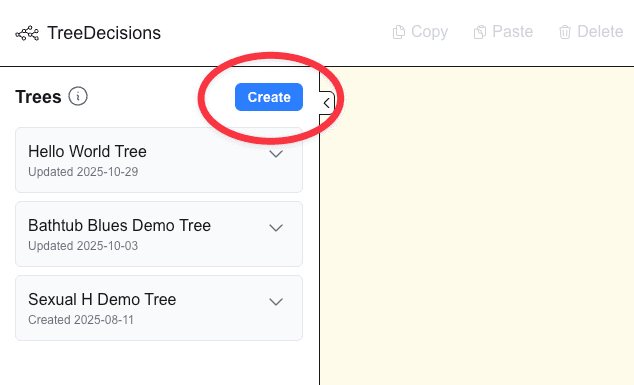
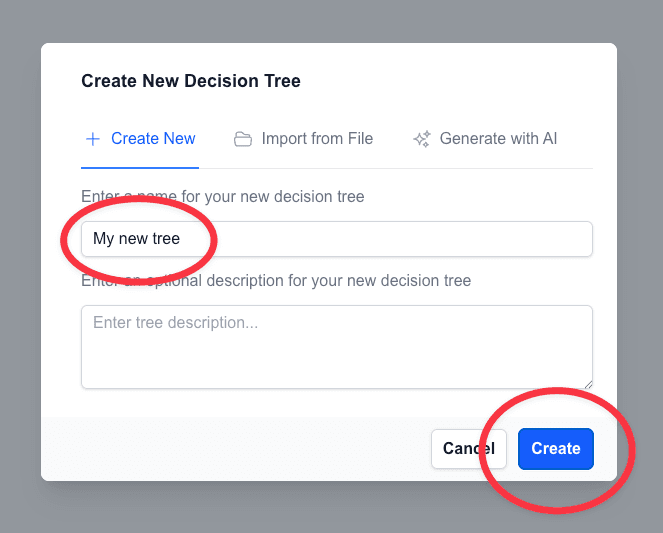
- Click the blue Create button, enter a name, and create a new tree
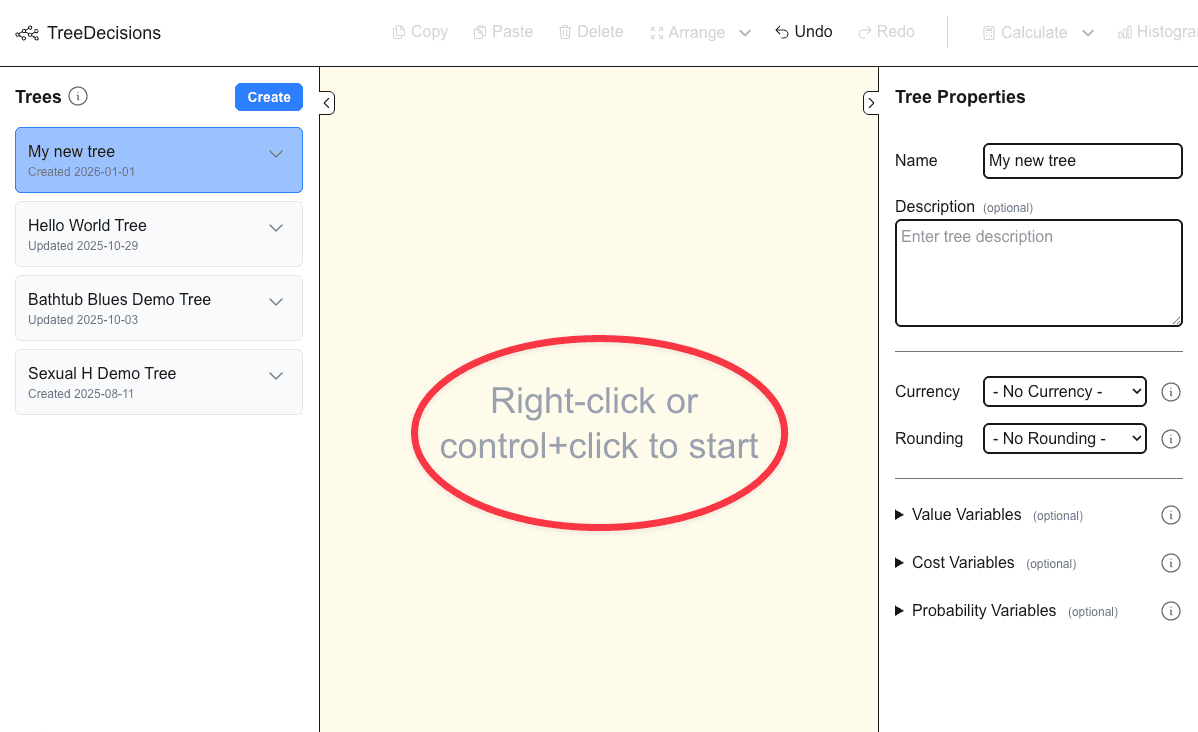
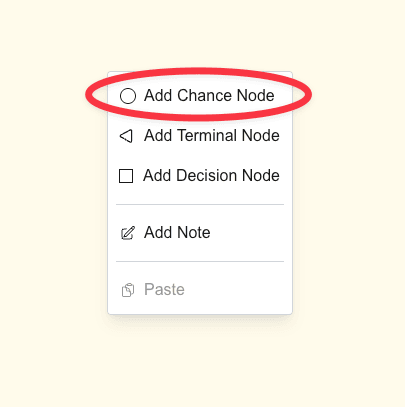
- Right-click on the empty canvas and Add Chance Node
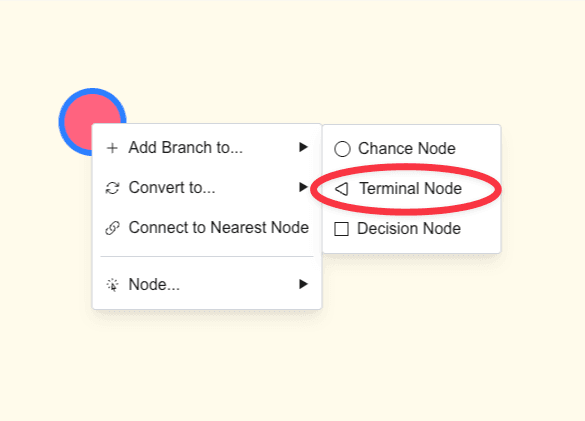
- Right-click on your new chance node and Add Branch to... Terminal Node
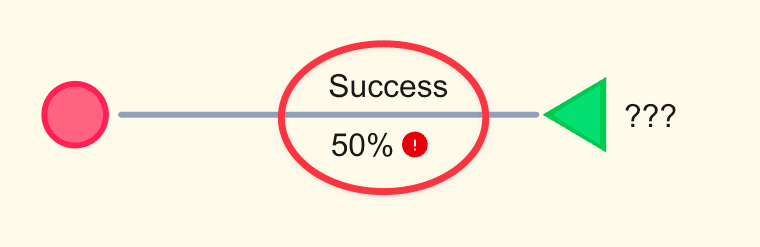
- Click on the ??? on the new branch and replace it with a label like "Success" or "Failure". Then click on the ??% and replace it with a probability like 0.5. Ignore the red warning for now.
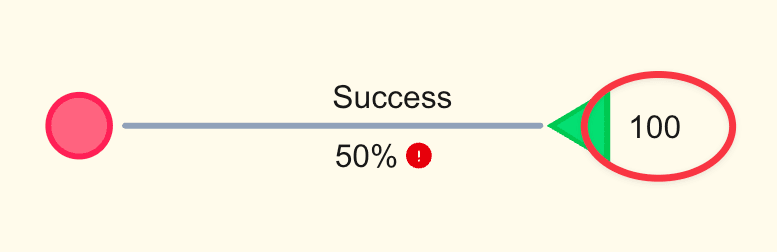
- Click on the ??? next to the new terminal node and replace it with a value like 100
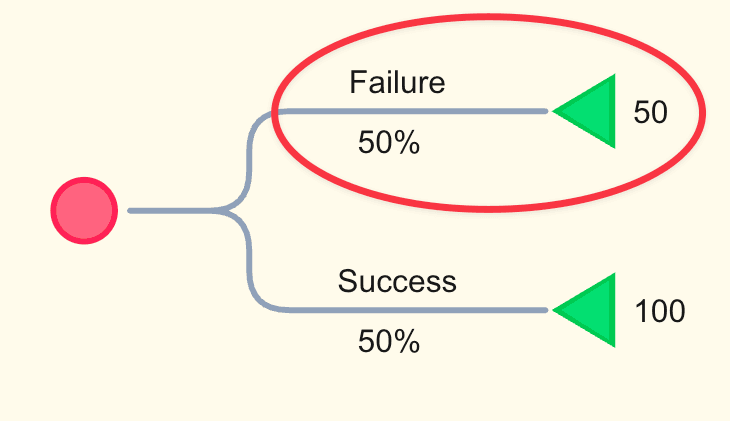
- Repeat steps 4 to 7 to add another branch to the original chance node. Make sure the probabilities of the branches sum to 1.0.
- Click the Calculate button in the top toolbar to compute the expected values of your new tree.
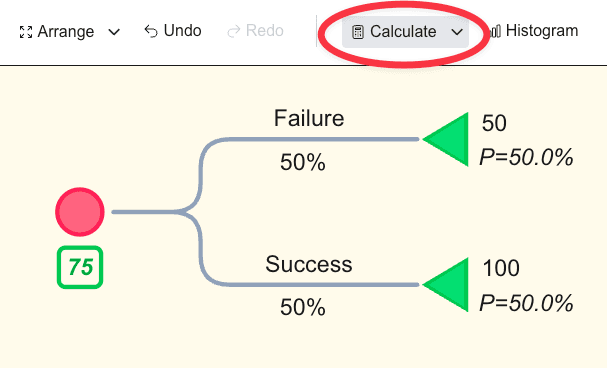
Congrats! You just built your first decision tree in TreeDecisions.
© 2025–2026 Greg Dingle & Marjorie Aaron